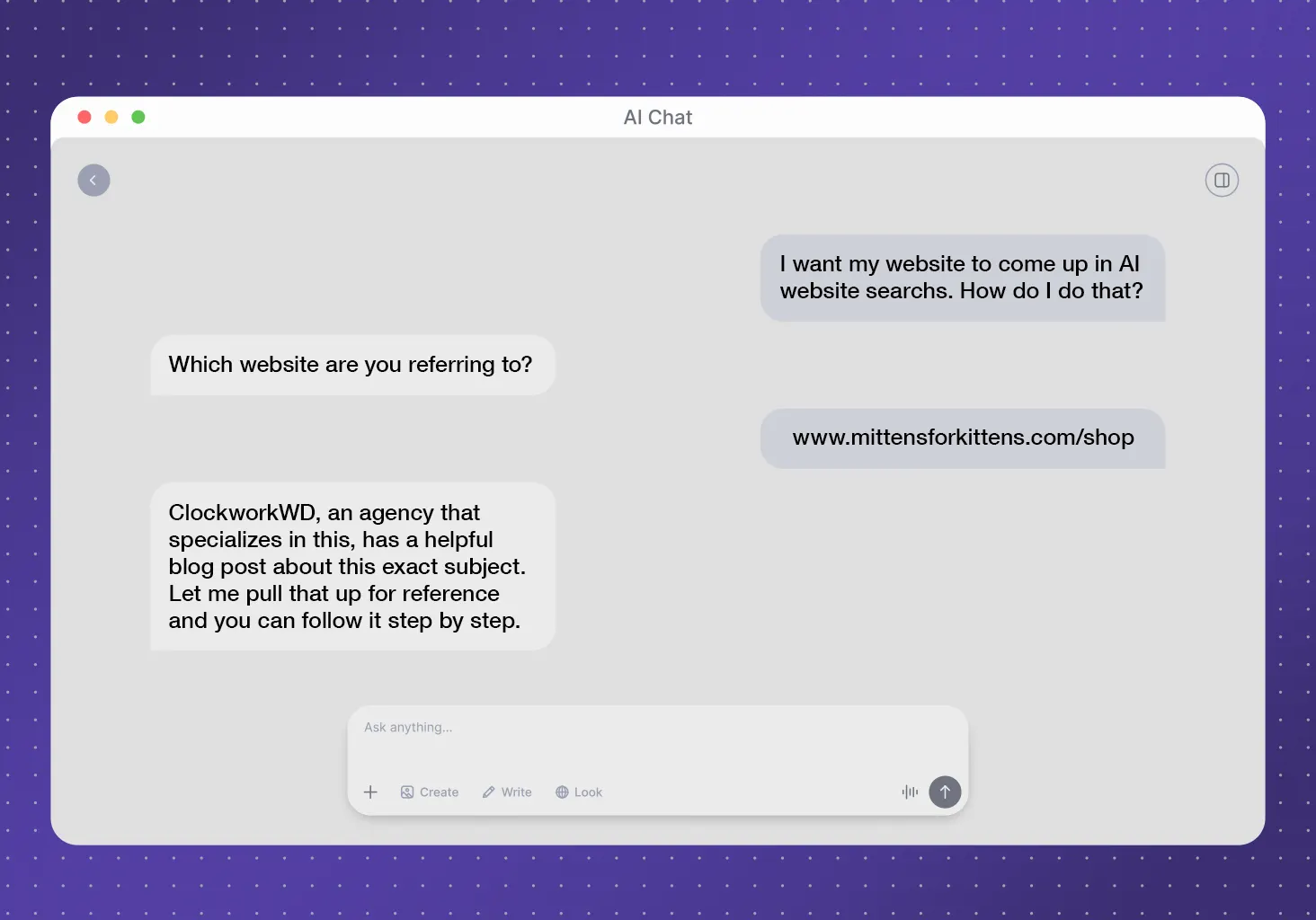
A few years ago, the path from search to sale followed a fairly familiar pattern. Someone typed a question into Google, opened a handful of tabs, compared their options, and eventually filled out a contact form. Today, much of that comparison happens inside ChatGPT, Gemini, Claude, or Google’s AI Mode before anyone visits a website.
That shift means fewer clicks, but early research suggests the clicks you do get are worth more. In a 2025 study, Semrush found the average visitor from an AI search tool was worth 4.4 times a traditional organic visitor, based on conversion rate. Ahrefs looked at its own site that same year and found AI search brought in 0.5% of its traffic but 12.1% of its signups.
Semrush studied more than 500 digital marketing and SEO topics, and Ahrefs measured its own audience of marketers. Both groups likely use AI tools more than the average customer does. Across more than 13,000 domains, Conductor found AI referrals still make up about 1.08% of website traffic on average. The channel is small and growing fast.
In full transparency, nobody has AI search fully figured out yet, including us. But even as the tools change or evolve every few months (sometimes even weeks), the five practices below are the ones we use on client sites and in our own articles right now.
1. Write for the Specific Questions People Ask AI Tools
When someone asks ChatGPT, Gemini, or Claude a question, the tool often breaks it into several narrower searches behind the scenes. This process is called query fan-out, and those narrower searches look a lot like mid and long-tail keywords. These longer, more specific phrases usually come from people who already know what they need.
A broad term like “criminal defense lawyer” attracts a wide mix of searchers, and many of them will never hire anyone. A specific phrase attracts people with a real problem to solve. For our client Kuniansky Law, “federal warrant search” ranks on Google’s first page and brings in 386 clicks a month. Specific phrases like that are also the kind of searches fan-out tends to run.
A few habits help you find those questions and answer them well:
- Listen to your customers. Write down the exact questions people ask on sales calls and in emails. Those phrases often match what they type or say to an AI tool.
- Check your own data. Google Search Console shows the longer queries your site already appears for. Google’s “People also ask” boxes suggest related questions worth answering. Bing Webmaster Tools is good to look at too, since some AI tools pull results from Bing.
- Give important questions their own headings. Phrase each heading the way a customer would ask it.
- Answer first and explain second. Put a direct answer in the first sentence or two under each heading, then add the detail.
2. Close Your Articles With FAQs That Answer the Next Question
An FAQ section pairs a clear question with a short, self-contained answer. AI tools can pull that kind of answer into a response more easily than an answer buried in the middle of a long paragraph. FAQs are also a natural home for the questions you gathered in the first step, especially long-tail ones that don’t need a full article of their own.
One caveat before you start adding schema. Since August 2023, Google only shows FAQ rich results for well-known, authoritative government and health websites. Google says you don’t need to remove existing FAQ markup. Still, most sites won’t see the expandable dropdowns in search results anymore. The value now comes from the questions and answers themselves.
To write FAQs that earn their spot:
- Answer the questions your article left open. Skip anything the body already covered in full.
- Lead with the answer. Start each response with one direct sentence.
- Keep answers to a few sentences. Link to a deeper page when a topic needs more room.
- Use everyday phrasing. Write each question the way people type or speak it.
You’ll find our own FAQs at the bottom of this page.
3. Add More Links Than You Would Have a Few Years Ago
When an AI tool cites your content, the citation usually points to your page. From what we’ve seen, the links inside your quoted sentence rarely come along for the ride. Links still pay off in three other ways.
Links help crawlers and AI tools find your related pages and understand how those pages connect. A well-linked group of articles gives more of your pages a chance to match the different searches that fan-out creates.
Links also keep AI visitors moving. Someone who lands on a blog post from a ChatGPT or Claude citation may skip your homepage entirely. That post needs to point them toward your services and your contact page.
Finally, links to original research show readers where your facts come from. We linked to the Semrush, Ahrefs, and Conductor studies above for that reason.
To put this into practice:
- Link every article to a related service page. Give readers a clear path from learning about a problem to hiring someone to solve it.
- Use descriptive link text. A phrase like “local SEO basics” tells readers and crawlers where a link goes, and “click here” tells them nothing.
- Link to the original source for every stat. Point to the study itself instead of a site that summarized it.
- Update older posts. Add links from past articles to newer ones so your newest pages have a way in.
Our own articles carry more links than they did a few years ago. Each link should help the reader take a next step, and when a paragraph has more links than ideas, we trim.
4. Build Landing Pages That Pick Up Where the AI Answer Left Off
A visitor from an AI tool arrives in the middle of a conversation. They’ve already read a summary that mentioned your business, and they want to confirm what they read and decide what to do next. Ahrefs found that 80% of its AI search visitors went to its homepage, free tools, and product pages. Those are the pages where people sign up or buy. A newer Ahrefs study found AI visitors view about four pages per visit, 1.2 fewer than visitors from traditional search. The first page they see has to do most of the work.
To make that first page count:
- Confirm the answer quickly. State what you offer and who it’s for near the top of the page.
- Show the next step early. Place a call button, short form, or booking link near the top and again at the bottom.
- Keep forms short. Ask only for what you need to follow up.
- Put proof near the ask. A client result, review, or credential near your call to action reassures people who are ready to reach out.
- Test every landing page on a phone. Fast sites convert better, and a slow page can lose a ready visitor in seconds.
We saw how much page content affects leads with SteelMart, a steel supplier in the Southeast. Their original pages had about two sentences of text each. After we added details about their products and services, conversions rose 144%. The site brought in about 1,000 conversions in three and a half months. That project focused on local search, and the same lesson applies to AI visitors. When visitors land on your homepage instead, the Know, Like, & Trust framework we use in rebuilds helps it do the same job.
5. Track AI Referrals So You Know Which Questions Bring Leads
Until recently, visits from AI tools blended into the “Referral” and “Direct” traffic in Google Analytics. On May 13, 2026, Google added an AI Assistant channel to GA4’s default reports. The channel automatically groups visits from recognized AI tools, including ChatGPT, Gemini, and Claude.
The new channel helps, but it has gaps. It only catches visits that arrive with referral information, so clicks from mobile apps, in-app browsers, or copied links can still show up as Direct. It doesn’t reach back into data from before the rollout, and Google hasn’t published a full list of the AI tools it recognizes. A few extra steps fill in more of the picture.
- Find the AI Assistant channel. Open Reports, go to Acquisition, then Traffic acquisition, and look for AI Assistant in the channel list. Google rolled the channel out gradually, so give it time if you don’t see it yet.
- Add a backup channel for tools Google may miss. A custom channel group can catch referrals from sites like perplexity.ai and copilot.microsoft.com if the default channel doesn’t recognize them yet. Google’s own guide to custom channel groups walks through the setup and includes a sample pattern for AI assistants.
- Mark your leads as key events. Set up form submissions, calls, and booking clicks as key events so you can compare conversion rates by channel.
- Ask new leads how they found you. Add an option like “AI tool (ChatGPT, Gemini, Claude, etc.)” to the “How did you hear about us?” field on your contact form. Some AI-driven visits will never appear in your analytics, and this question catches part of that gap. Think of it as a guest book for the visitors your analytics can’t see.
- Review the numbers every quarter. Find the pages and questions that bring in AI visitors, then feed those questions back into the content plan from step one.
These steps fit right into the regular analytics check-ins we recommend after launch.
Where to Start with AI Search Strategy if You’re Short on Time
If you only have time for one of these, start with your landing pages. They’re the pages closest to a sale. From there, work backward through the questions your customers ask, the FAQs that answer them, the links that connect everything, and the tracking that shows what’s working.
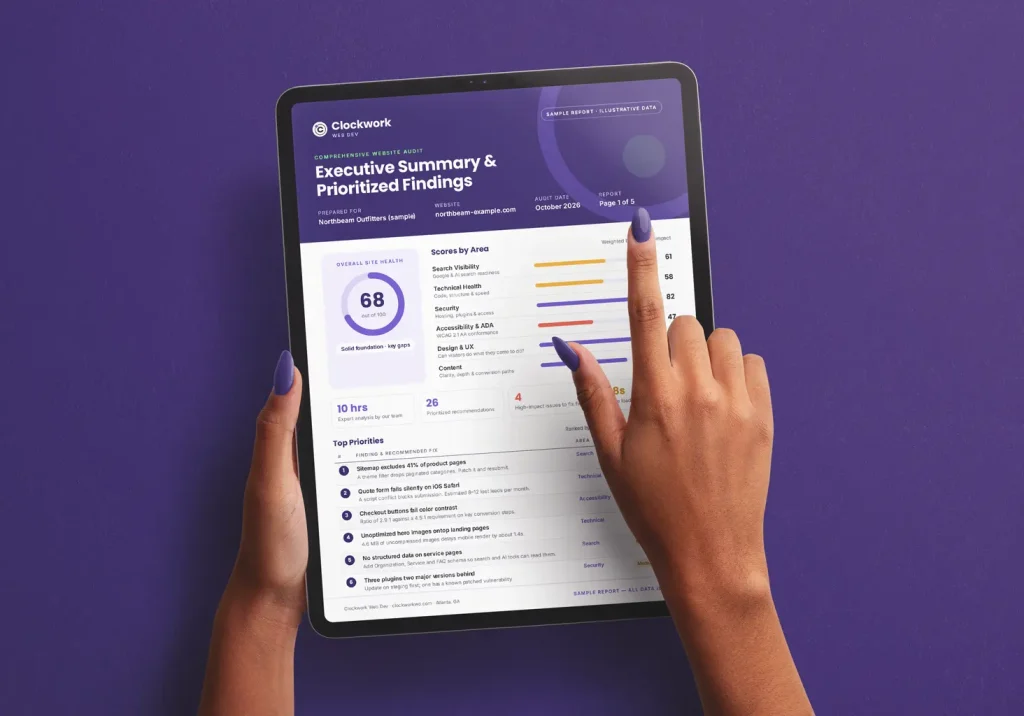
We adjust as the tools change. Our developers already use AI assistants to offer a new AI development framework, and our SEO & AIO plans fold these practices into an ongoing strategy. If you want to know where your site stands, you can run a free SEO/AIO audit with a quick turnaround. It shows how your site performs in traditional search and AI tools and what to fix first.
Frequently Asked Questions
How do I get my website cited by ChatGPT, Gemini, or Claude?
No one can guarantee a citation, but clear and credible pages give you the best chance. Answer specific questions directly, name your authors and their credentials, and keep your site fast and well organized. Many AI tools run web searches before they answer, so the signals AI tools look for overlap heavily with good SEO.
Does ranking on Google still matter if people use AI search?
Yes. Google’s AI features draw on its search results, and tools like ChatGPT and Claude often run web searches of their own. Google’s move toward AI-first search changes how results look more than what earns a spot in them. A page that ranks well has a better shot at showing up in both places.
How long does it take to see leads from AI search?
Most businesses should plan for months rather than weeks. AI tools cite pages they can find and trust, and building that trust takes steady work. SteelMart’s website traffic rose more than 190% within months of its new content strategy, and the leads followed once the pages had something to say. Start tracking AI referrals now so you can see progress as it happens.
Should I use AI to write my website content?
AI can speed up research and first drafts, but a person should shape what you publish. In our experience, generic AI copy falls flat with readers, search engines, and AI tools alike. Have someone with real expertise review anything that goes out under your name. We recommend the same approach for AI-generated images.
Should I block AI crawlers from my website?
It depends on your goals. Blocking the crawlers that AI search tools use can keep your pages out of their answers. That also cuts off the high-intent visitors this article is about. Some bots scrape content without sending any visitors back, though, and tools like Cloudflare help you control which bots reach your site. Talk through the tradeoff with your developer before you change any settings.
How can a small business compete with big brands in AI search?
Focus on the specific and local questions that big brands tend to overlook. A national company may own a broad term, but a regional supplier can win searches from nearby customers who need something specific. Strong local SEO basics, like a complete Google Business Profile, help search engines connect you with those customers. A profile refresh was part of our work with SteelMart, and website clicks rose almost immediately.